01Custom Operations Apps
One clear place for the workmanagers do every day.
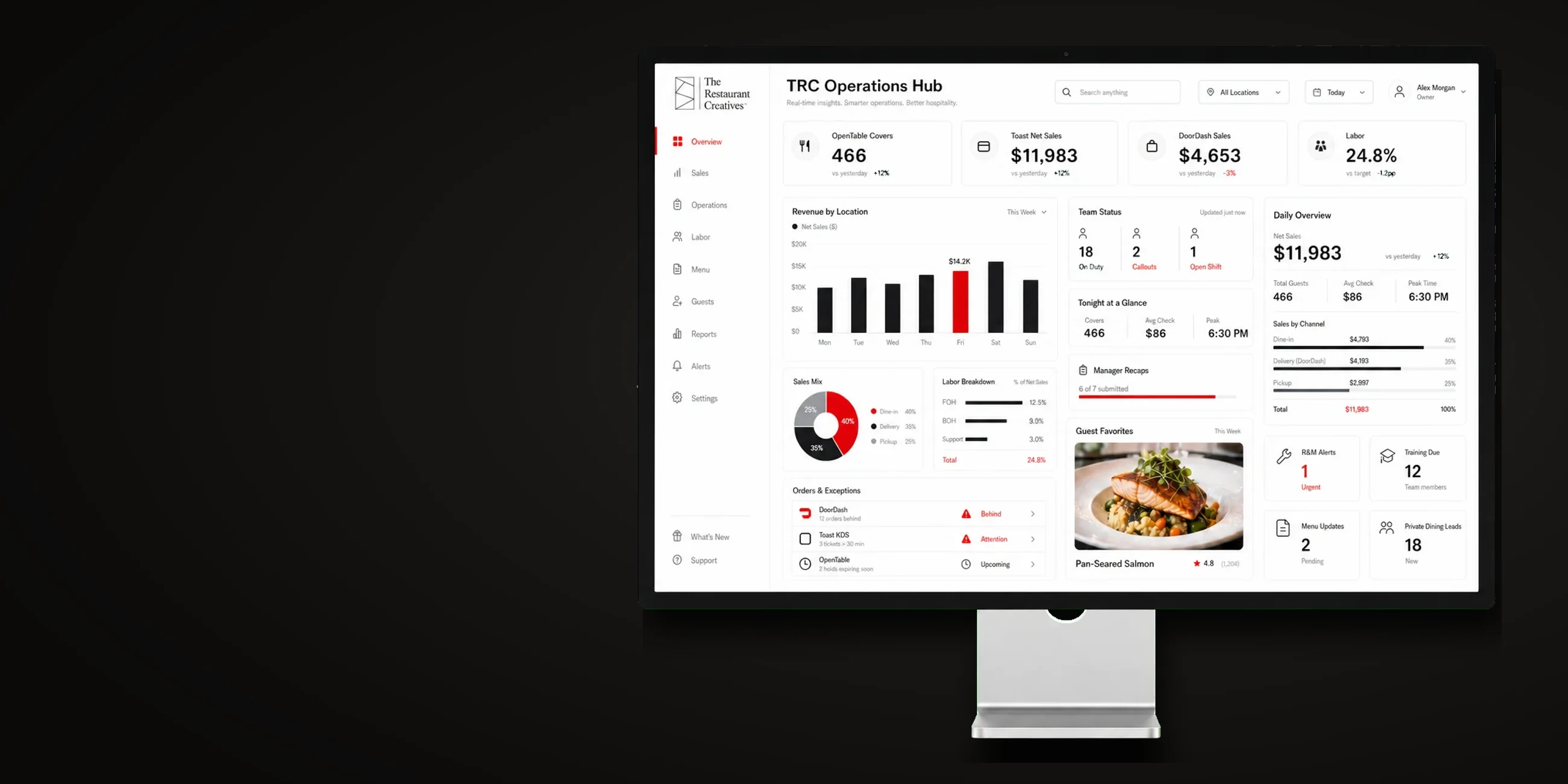
Custom mobile apps and dashboards for manager recaps, training, team communication, and the workflows that usually live in texts and spreadsheets.
- Manager RecapsStructured nightly recaps that capture the same useful information across locations without asking managers to write another long email.
- Role-Based AccessViews and permissions designed around owners, GMs, managers, trainers, and employees, so each person sees what they need.
- Training, Communication & DocumentationStaff updates, recipe cards, checklists, acknowledgements, write-up tracking, internal notes, and document libraries in one organized environment.
- Custom Modules & IntegrationsThe hub is scoped around the restaurant. Modules may include sales snapshots, menu updates, inventory or apparel tracking, and integrations supported by the tools already in use.
One clear place for the work managers do every day.
TRC builds custom restaurant dashboards around the recaps, updates, training, documentation, and operational workflows that usually get scattered across texts, spreadsheets, and disconnected apps.
Connects with: Toast, Heartland POS, Olo, Square, OpenTable, DoorDash, Uber Eats, Resy, and more
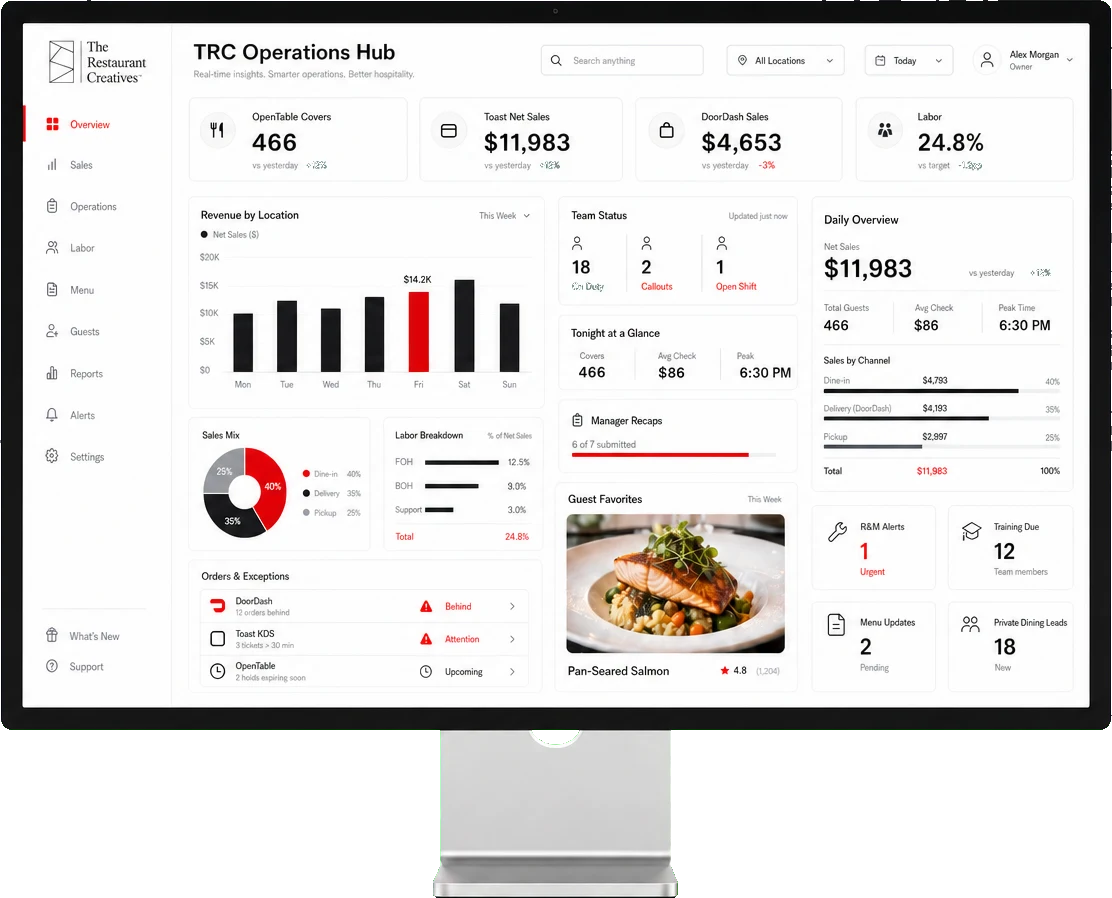
What an operations hub can include
- Manager recap workflows
- Shift notes and handoffs
- Role-based dashboards
- Staff communication
- Daily sales snapshots
- Live training links
- Document libraries
- Daily checklists
- Private dining details
- HR reminders
- Recipe and ops search
- Read and completion tracking
Frequently asked questions.
Is this off-the-shelf restaurant software?
No. Each hub is scoped and configured around the restaurant, the roles using it, and the workflows it needs to support.
Can we start with only one or two modules?
Yes. Starting narrow is often the best approach. Additional modules can be added after the first workflow is working well.
Can it connect to Toast or other restaurant platforms?
Potentially. Integration depends on available APIs, permissions, and the exact data required. We confirm feasibility before including any integration in scope.
Does the hub replace email, text, and every document?
Not automatically. The goal is to move the right recurring workflows into a clearer system, not add another place the team has to check.
Who maintains it after launch?
The handoff, support, hosting, updates, and ongoing maintenance plan are defined in the project scope.
Start here
Start with the workflow that creates the most noise.
Tell us what managers repeat, chase, copy, or rebuild every week. We will show you what belongs in a first version.
One focused project to start. No long-term lock-in.